Employee tracking
See who is on site, on a job, or out in the field. Supervisors get live check-ins instead of chasing phone calls.
Web · Mobile
Internal software · Web · Mobile · Dubai
Employee tracking, attendance, fleet management, production workflows, QR scanning, gate passes and order tracking — with WhatsApp and email built in, and every record posted back to Zoho, SAP or the ERP you already run.
Live integration with the ERP you already trust
Sample software we build
Each one can be a web app, a mobile app, or both. Start with the single process that hurts today. Add the next one on the same login, with your ERP still holding the records.
See who is on site, on a job, or out in the field. Supervisors get live check-ins instead of chasing phone calls.
Web · MobileClock-in, shifts, late marks and leave in one place, ready to hand to payroll or your HR module.
Web · Mobile · DeviceVehicles, drivers, trips, fuel and deliveries. Know which van is out, and what it is carrying.
Web · MobileSimplify shop-floor stages. Job cards move from cutting to packing, and bottlenecks show up the same day.
Web · Shop-floor tabletScan stock, assets, deliveries or job sheets. The phone replaces the retyping.
MobileMaterial out, visitors and vehicle exits. Nothing leaves the gate until the right person has approved it.
Web · Gate tabletFollow an order from confirmation to dispatch. Sales, stores and the customer see the same status.
Web · MobileApprovals, alerts and status updates land in WhatsApp or the inbox people already open.
Works with every app aboveWithout it, and with it
A straight comparison of how these jobs run today, and how they run when the screen belongs to your company and posts back to the ERP.
| Work | Without your own software | With your own software | Time saved | Money saved |
|---|---|---|---|---|
| Employee tracking | Supervisors call around to find who is on site or on a job. | Check-in shows who is on site, on a job, or in the field. | Up to 50% | Up to 20% |
| Attendance | A register or spreadsheet is retyped into payroll at month end. | Clock-in, shifts, late marks and leave sit ready for payroll or Zoho People. | Up to 60% | Up to 25% |
| Order tracking | Sales ask stores on WhatsApp where the order is. | Confirmation, packing and dispatch share one status, including with the customer. | Up to 40% | Up to 15% |
| Fleet | Drivers phone in. Nobody is sure which van has which delivery. | Trips, drivers, fuel and what is on the vehicle are on one screen. | Up to 35% | Up to 20% |
| Gate pass | Paper passes at the gate, easy to skip and hard to trace later. | Material, visitor or vehicle leaves only after the right approval. | Up to 45% | Up to 15% |
| Production | Job cards move on paper. A stuck stage shows up late. | Each stage is updated on the floor, and the bottleneck is visible the same day. | Up to 30% | Up to 20% |
| QR scanning | Stock, assets and deliveries are typed in after the fact. | A scan writes the movement straight into the record. | Up to 70% | Up to 25% |
| WhatsApp and email | Updates live in chats and are lost when the day ends. | Approvals and alerts go out on WhatsApp or email, and stay attached to the transaction. | Up to 40% | Up to 10% |
Time saved is hours your team stops spending on calls, retyping and chasing. Money saved is the cost of that labour, missed trips, and errors. Ranges are typical for that task and are confirmed against your process in discovery.
Also requested often
Same idea: a clear screen for the team, and the ERP updated behind it.
WhatsApp and email, on every system
A gate pass can wait for a WhatsApp approval. An order can email the customer when it leaves the warehouse. Attendance exceptions can reach HR before the day ends.
On a desk and on a phone
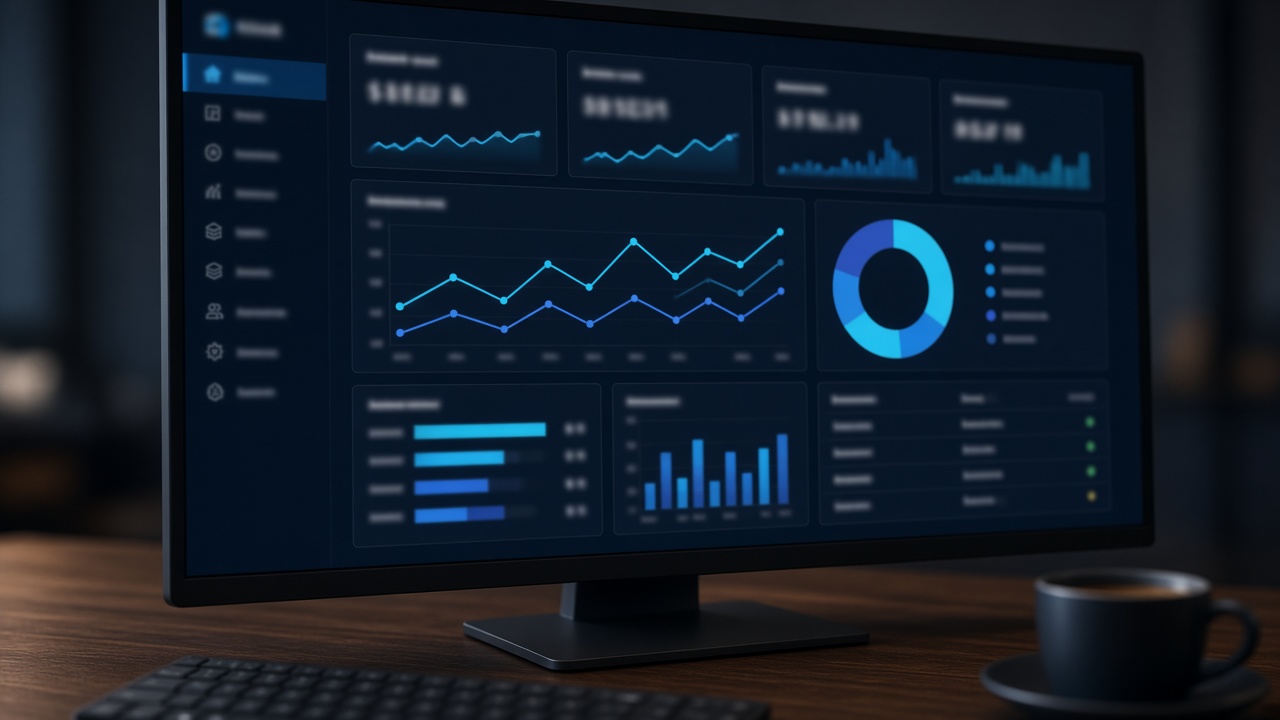
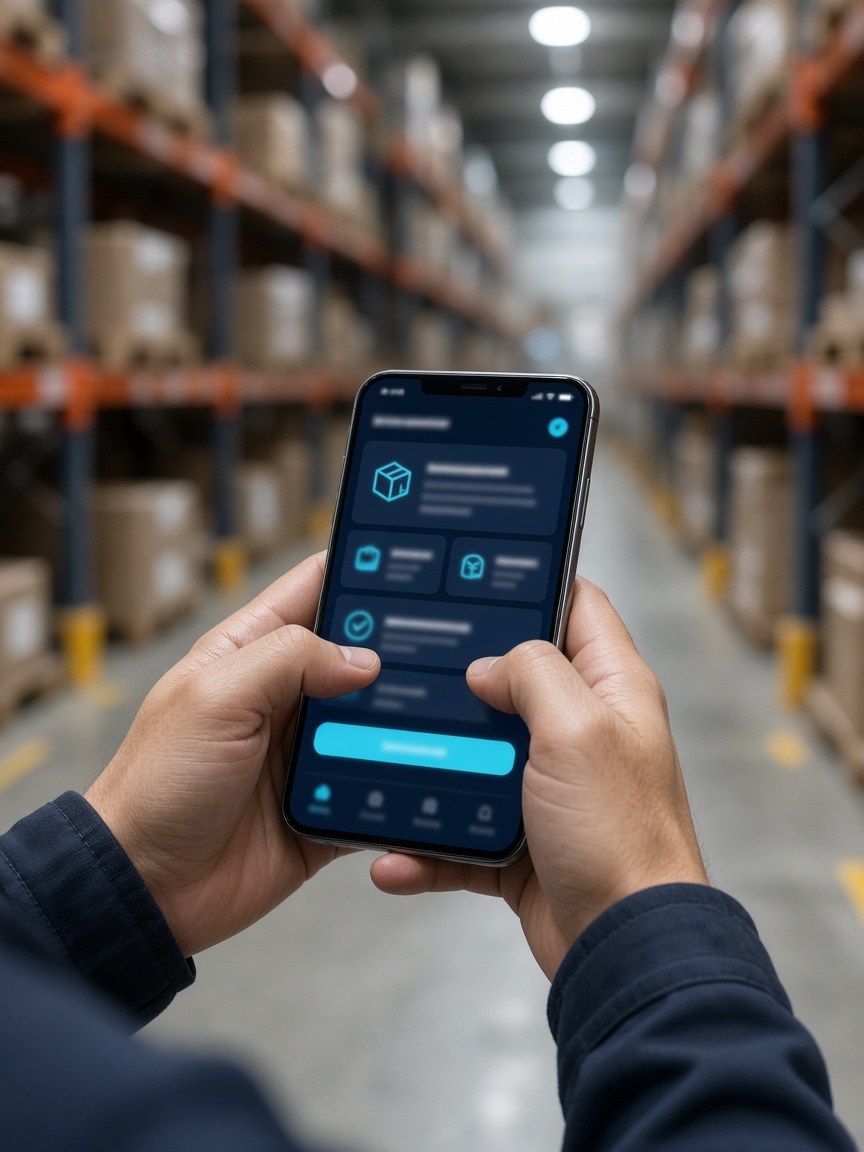
Connected to the ERP you already run
The new software is the screen. The ERP stays the record. We connect through the vendor API or a secure middle layer, confirmed in discovery before anything is built.
Attendance and leave toward People. Orders, stock and scans toward Books or Inventory. Alerts can sit beside CRM.
Goods receipts, deliveries, production orders and material issues stay on Business One or S/4HANA.
The modules finance and operations already configured. The app writes the same documents those teams post today.
Accounts stay put. Gate pass, attendance and order status run in the new app, then the accounting entry is posted across.
An API, a database we can read safely, or a stable export. The contract is documented so your team can run it.
ERP for stock, payroll for attendance, WhatsApp for approvals. One screen in front, a clear owner for each record.
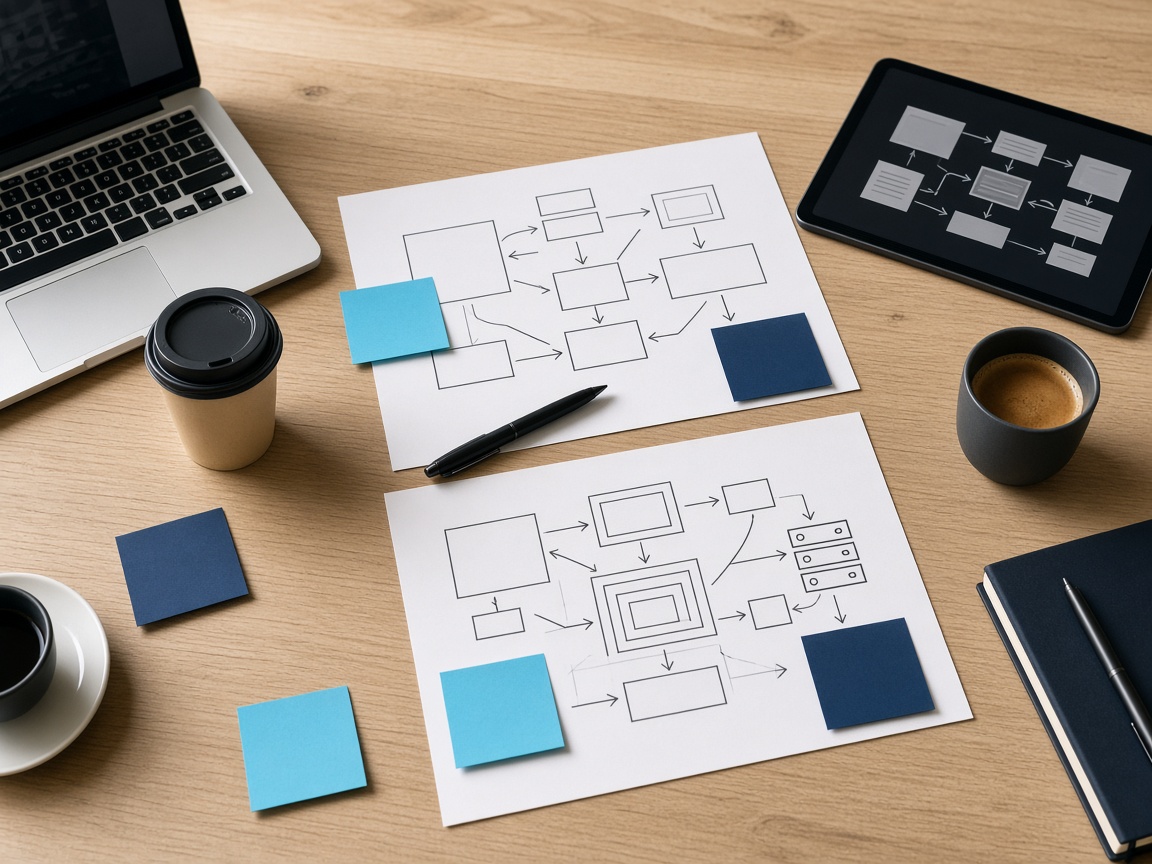
From brief to go-live
Questions
Your Zoho, SAP, Dynamics, NetSuite, Odoo or Tally system stays the source of truth. The new software is the experience your team uses, and every action posts back to that ERP.
Yes. Most companies start with one system — attendance, gate pass, or order tracking — then add the next on the same login. Web for the office, mobile for the gate, the driver, or the shop floor.
Your company does. Source, admin accounts and the integration notes are handed over. We are happy to sign an NDA before discovery.
Through the vendor’s API or connector when one exists. Where the ERP needs a middle layer, we build that and show you the error handling before go-live. The exact method is confirmed in discovery, not assumed.
Wexon Technologies LLC is in Al Quoz, Dubai. Workshops can be onsite. Build and support continue remotely between visits.